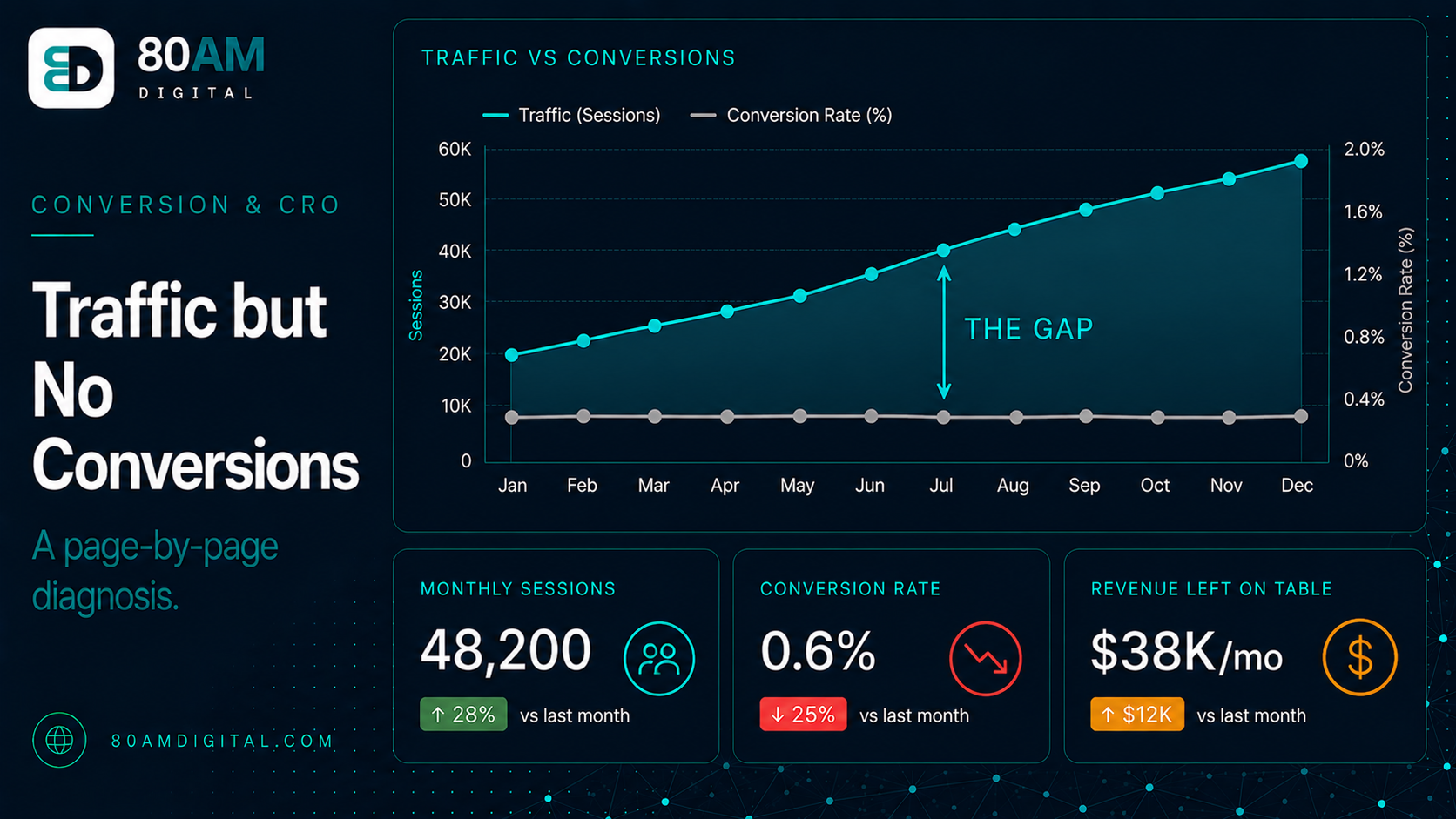
Traffic but No Conversions: A Page-by-Page Diagnosis
Table of Contents
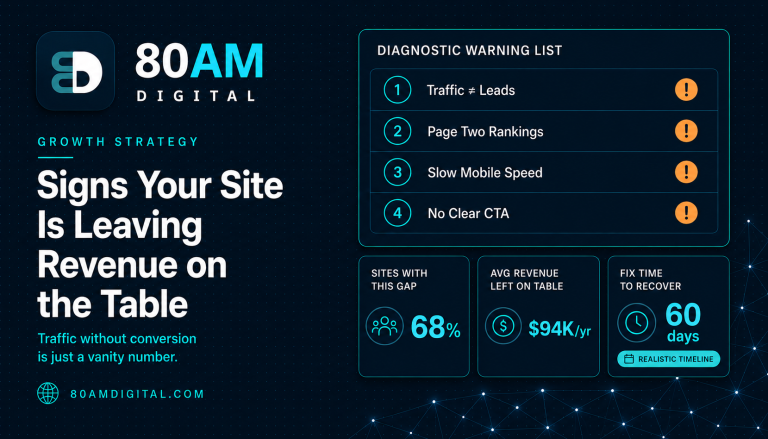
If you’re getting traffic but no conversions, the cause is almost always one of four things: the wrong visitors, a tracking blind spot, friction on the page, or a message that doesn’t match what brought people there. The fix starts with diagnosis, not a redesign. You work out which of those is true—page by page—before you change anything, because rebuilding a page that was already converting fine for its stage just trades one problem for another.
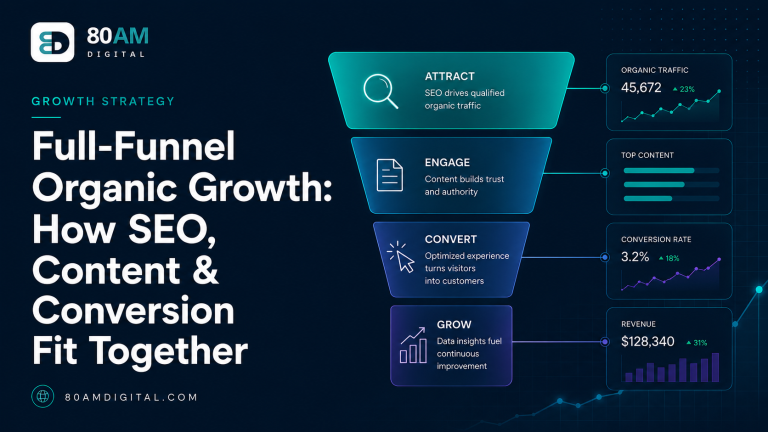
Conversion is the layer of full-funnel organic growth that turns visits into revenue, and it’s the one most “SEO” work skips entirely. This is the deep dive: a repeatable way to find where your traffic leaks instead of converts, and how to plug it.
The Short Version
- Traffic without conversions has one of four causes: wrong visitors, a tracking blind spot, page friction, or a message mismatch. Diagnose which before changing anything.
- Every page must pass four questions: Is it the right visitor? Can they tell what to do? Do they believe you? Is anything in the way?
- A page rebuild is almost never the right first move — most conversion problems are fixed with copy, CTA placement, or trust elements, not a redesign.
- Sometimes the page isn’t the problem — check the offer, the traffic source, and the follow-up sequence first.
First, make sure it’s really a conversion problem
Before you touch a page, rule out the things that look like a conversion problem but aren’t:
- A tracking gap. Conversions may be happening and simply not recorded—broken events, a form that redirects before firing, or offline sales that never make it back into analytics. Submit a test lead and confirm it shows up before you conclude nobody converts.
- Wrong-intent traffic. If you rank for informational terms people search long before they buy, low conversion is expected—and fine. That traffic belongs to an earlier funnel stage; judge it by whether it moves people forward, not by direct sales. Segment by landing page and query so you’re not averaging buyers and browsers together.
- Too soon to tell. New traffic and longer sales cycles need time. A week of data on a considered purchase isn’t a verdict.
The four questions every page must pass
For each important page, ask four questions in order. The first one to fail is your leak—and there’s no point optimizing trust on a page the wrong people are landing on, so work top to bottom.
| The question | If it fails, you’ll see\u2026 | Where to look |
|---|---|---|
| Right visitor? | High bounce, very short visits, traffic from off-target queries | Match between the search/ad and the page; intent of the keywords you rank for |
| Clear? | Visitors don’t scroll or click; confusion in session recordings | Headline, value proposition, and a single obvious next step |
| Believable? | People engage but won’t commit | Proof, testimonials, specifics, guarantees |
| Unobstructed? | Drop-off at forms, on mobile, or on slow pages | Form length, number of steps, page speed, mobile layout |
Is it the right visitor?
Segment by source and landing query, then compare bounce and engaged time across segments. If buying-intent visitors engage but informational visitors bounce, the page is probably fine—the traffic mix is the issue, and the answer is targeting, not a redesign. The usual culprit is a mismatch between the promise that brought someone (an ad, a search result, a subject line) and what the page actually delivers. Tightening that message match often lifts conversion without touching the layout.
Can they tell what to do?
This is the most common failure by far. Within a few seconds, a visitor should know what this is, who it’s for, and the one next step. Check three things: does the headline state the outcome or just name the company; is there a single primary action or several competing ones; and do session recordings show people scrolling without clicking? The fix is almost always subtraction—lead with the outcome, commit to one primary call to action, and cut the links that compete with it. The same logic applies hardest on the homepage and above the fold.
Do they believe you?
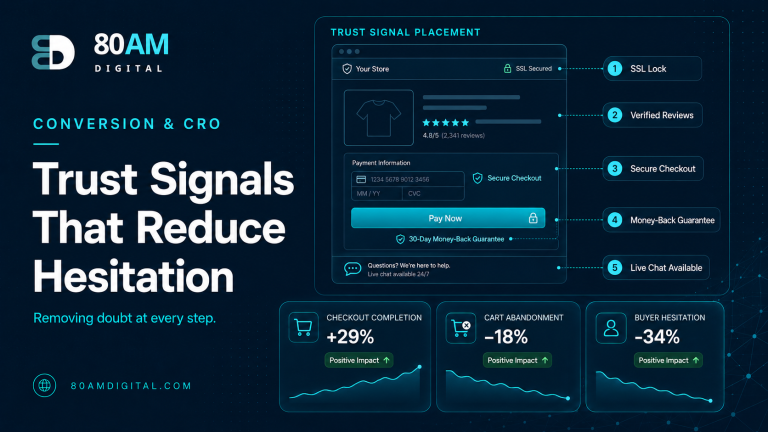
If people engage but won’t commit, trust is the gap. Generic claims and a wall of logos rarely persuade; specific results, real testimonials, named outcomes, and clear guarantees do. Read the page as a skeptical buyer and list the objections it leaves unanswered—then answer them near the point of decision. Stronger social proof and visible trust signals are what move someone from interested to convinced.
Is anything in the way?
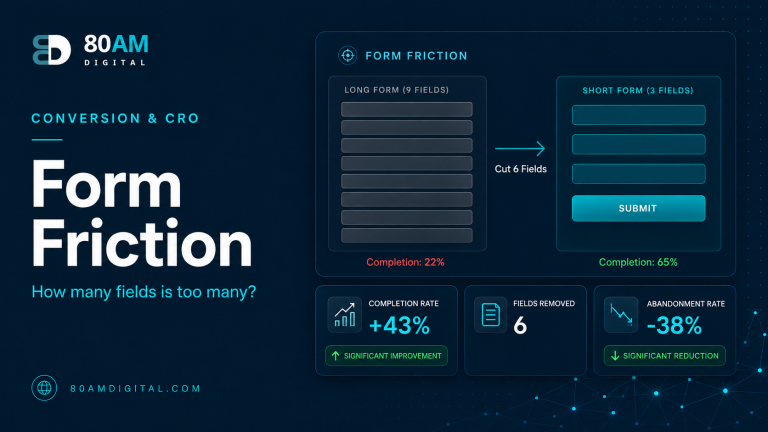
Friction at the moment of action quietly kills conversions: long forms, extra steps, forced account creation, and slow or unstable pages. Watch for drop-off at the form, test the page on a real phone, and check load speed. The fixes are concrete—trim form fields to the essentials, remove steps, fix what breaks on mobile, and clear up Core Web Vitals issues that make a page lag or jump.
Diagnose by page type
“Converting” means something different on each kind of page. Hold every page to its own job, not to a single sitewide number.
| Page type | What “converting” means | Most common leak |
|---|---|---|
| Homepage | Routes visitors to the right next step | Unclear what you do; no obvious path forward |
| Landing page | Completes one specific action | Message doesn’t match the ad/search; too many competing options |
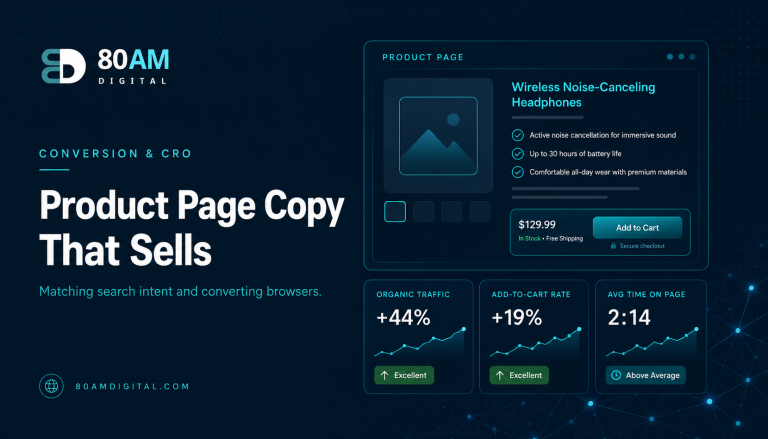
| Product / service page | Add to cart or enquiry | Weak proof; unanswered objections; unclear pricing |
| Blog / content page | Moves the reader to a relevant next step | No contextual CTA; the page is a dead end |
| Checkout / lead form | Finishes the transaction | Too many fields or steps; surprise costs; no trust signals |
The most common conversion blockers
Across hundreds of pages, the same handful of issues come up again and again:
- An unclear value proposition. If a visitor can’t tell what you offer and why it’s for them in a few seconds, they leave. Lead with clarity over cleverness.
- A weak or hidden call to action. One primary action per page, stated plainly, easy to find. Competing CTAs split attention and convert worse than a single clear one.
- Too much friction. Long forms, extra steps, and forced account creation all bleed conversions at the exact moment of intent.
- No proof. Claims without evidence don’t persuade. Specific results, real testimonials, and visible credibility do the convincing.
- A slow or unstable page. Speed and layout stability are conversion factors as much as ranking factors—people abandon pages that lag or jump. See how to fix Core Web Vitals.
- Message mismatch. When the page doesn’t echo the ad or query that brought someone there, the promise breaks and they bounce.
- Broken mobile experience. Most visits are mobile; a layout, tap target, or form that breaks on a phone quietly kills the majority of your conversions.
- Asking too early. Pushing a high-commitment action on a first-time visitor who isn’t ready. Offer a lower-friction next step that matches their stage.
A worked example: diagnosing one page
Take a service page that gets steady, buying-intent traffic but few enquiries. Run the four questions in order:
- Right visitor? The traffic comes from clear buying-intent queries. Pass.
- Clear? The headline describes the company, not what the visitor gets, and the primary button competes with four other links. Fails.
- Believable? A row of logos, but no specific results or testimonials. Weak.
- Unobstructed? The enquiry form asks for eleven fields and the page is slow on mobile. Fails.
So you lead with the outcome, cut to one clear CTA, add two concrete results as proof, trim the form to four fields, and fix the mobile speed. Same traffic, materially more enquiries—and because you changed known failures rather than redesigning blind, you know which fixes earned the lift and can repeat them on the next page.
Fix in priority order
Don’t fix everything everywhere. Rank pages by traffic, then by the size of the leak, and start where the two overlap—the high-traffic page that’s clearly failing one of the four questions. A small conversion lift on your busiest page beats a big lift on one nobody visits. Within a page, take the unambiguous, low-effort fixes first (a hidden CTA, an eleven-field form, a slow load) before the judgment calls that need a test.
When the page isn’t the problem
Sometimes a page passes all four questions and still doesn’t convert. When that happens, the leak is usually upstream of the page itself: the offer isn’t compelling, the price doesn’t match the perceived value, the audience isn’t a fit for the product, or the sales cycle is simply long and the “conversion” is happening later, off-site. No amount of CTA polish fixes a weak offer. That’s where conversion work connects back to the wider full-funnel picture—intent, positioning, and the product itself—rather than the page in isolation. Naming that honestly saves everyone from optimizing a button when the real problem is the proposition.
Measure the fix
A change you can’t measure isn’t a fix—it’s a guess. Before you ship, make sure the conversion is tracked as an event tied to a real outcome, not just a thank-you-page view. After you ship, watch that metric on the page you changed, not just the sitewide rate, and give it long enough to clear normal day-to-day noise. If you have the traffic, test one change at a time so you know what moved the needle; if you don’t, fix the unambiguous problems and verify the direction of travel. This connects conversion work to measurement, and the events themselves are worth setting up properly—see conversion events that map to revenue.