Setting Up Conversion Events That Map to Revenue
If your events don’t tie to revenue, your reporting is theater. Learn to define and configure conversion events that connect SEO and content to real outcomes.
Most GA4 configurations track events that are easy to set up rather than events that mean something. Scroll depth, session duration, and click events tell you what visitors did — but they don’t tell you whether any of it led to revenue. Without conversion events tied to real business outcomes, you’re reporting activity, not results.
The gap between “organic traffic grew 30%” and “organic drove 12 qualified leads this month” is the gap between events-as-activity and events-as-conversion. This guide covers how to define, configure, and use conversion events that close that gap, with a worked example of what it looks like when the gap finally closes.
The Short Version
Pick one primary conversion that maps to genuine business intent — a form submission, a booking, a purchase — and configure it via a thank-you-page event, a GTM-tracked form submission, or a booking-tool callback. Track everything else (CTA clicks, pricing visits, downloads) as separate micro-conversions, never marked as primary conversions, or your conversion rate data becomes meaningless. Then build a landing-page-by-conversion-rate exploration to see which organic pages are actually producing revenue-relevant outcomes, not just traffic.
Table of Contents
Define What a Conversion Means for Your Business First
Before touching GA4, answer one question: what action, if a visitor takes it, gives you a reasonable expectation of revenue? For service businesses, this is usually: form submission, consultation booking, or phone call. For e-commerce, it’s a purchase. For SaaS, it’s a free trial signup or a demo request.
That primary conversion is your main event. Everything else is a micro-conversion — a step along the path that’s worth tracking but shouldn’t be labelled a “conversion” in GA4, because it dilutes the signal.
Common micro-conversions worth tracking separately (but not marking as primary conversions):
- Blog CTA click (clicked through to a service page from content)
- Pricing page visit
- Content download (gated or ungated)
- Video played past 50%
The distinction matters: if you mark all of these as “conversions” in GA4, the conversion rate data becomes meaningless — a session where someone scrolled past 90% looks the same in the data as one where they submitted a contact form.
How to Set Up the Primary Conversion Event
| Method | Best for | Reliability |
|---|---|---|
| Thank-you page destination | Forms that redirect after submission | Highest — only fires on genuine success |
| GTM JavaScript event | Forms with no redirect (inline confirmation) | High, depends on correct trigger setup |
| Third-party booking callback | Calendly or similar scheduling tools | High — uses the tool’s own success event |
Option 1: Thank-You Page Destination Goal
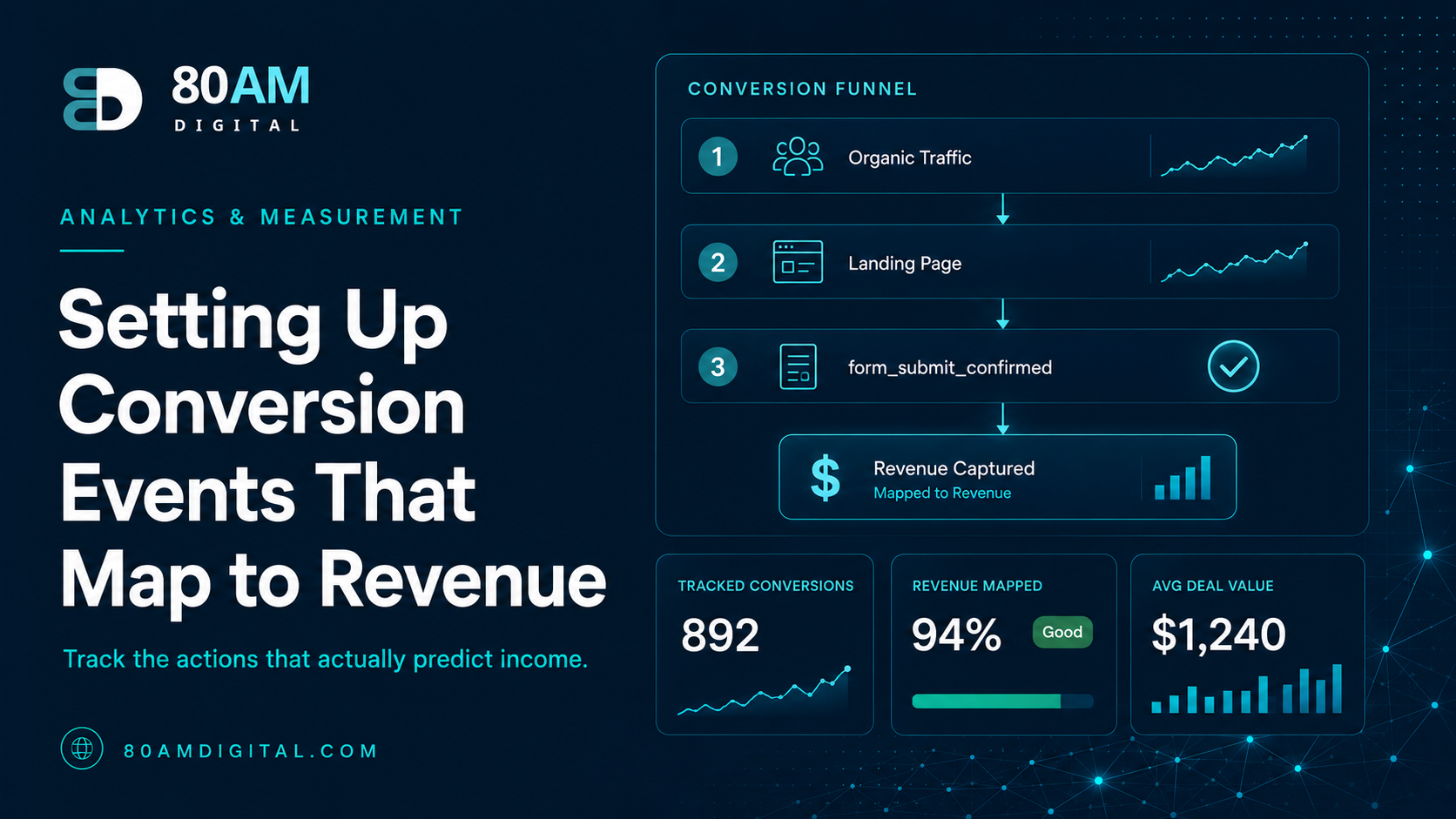
The simplest and most reliable method: if your contact form redirects to a thank-you page after submission, create a GA4 event that fires when that thank-you URL is viewed. In GA4, go to Admin → Events → Create Event. Set the condition: page_location contains “/thank-you” (or whatever the confirmation URL is). Name the event form_submit_confirmed. Then mark it as a conversion in Admin → Conversions.
Why this is more reliable than a form-field click event: it only fires when the form was successfully submitted and the redirect occurred — not when someone clicked Submit but the form validation failed.
Option 2: JavaScript Event (Google Tag Manager)
For forms that don’t redirect to a thank-you page, set up a custom JavaScript event via Google Tag Manager that fires on successful form submission. The trigger is typically a “Form Submission” trigger in GTM that fires when the form element submits, filtered by the specific form ID or container class. Send the event to GA4 as a custom event named contact_form_submit and mark it as a conversion.
Option 3: Calendly or Third-Party Booking Tool
If your primary conversion is a consultation booking via Calendly or similar: Calendly’s embed fires a JavaScript event (calendly.event_scheduled) when a booking is completed. Capture this in GTM as a custom event and push it to GA4 as consultation_booked. Mark it as a key event (conversion) in GA4. This connects the entire organic journey — landing page → content → booking — without requiring a redirect-based goal.
Connecting Conversions to Organic Traffic
Once conversion events are set up, the most useful view is landing page conversion rate by traffic source. In GA4 Explorations:
- Segment: Organic Search sessions (Session Source: google, medium: organic)
- Dimension: Landing Page
- Metrics: Sessions, Conversions, Session Conversion Rate
This table tells you which organic entry pages are converting and which aren’t. A page with 500 organic sessions and 0 conversions either attracts the wrong audience or doesn’t have a viable conversion path. A page with 100 sessions and 5 conversions is a high-priority page to support with more internal links, refresh, and traffic growth.
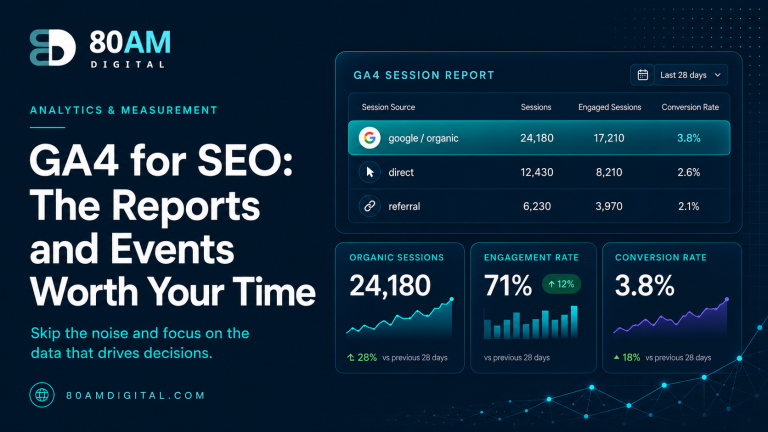
For a full picture of measurement alongside Search Console data, see GA4 for SEO: the reports and events worth your time and building an SEO dashboard in Looker Studio.
A Worked Example
A professional services firm had GA4 running for over a year with seven events marked as “conversions” — form submit, pricing page view, video play past 50%, PDF download, two different CTA clicks, and a newsletter signup. The monthly report showed a healthy 4.8% organic conversion rate, which looked good until someone in finance asked how many of those conversions had actually become paying clients.
Nobody could answer the question, because the 4.8% figure blended a PDF download (no commercial signal) with an actual consultation booking (strong commercial signal) into a single undifferentiated number. The team reconfigured GA4 to mark only the consultation-booking event as a conversion, demoting the other six to tracked-but-unmarked events.
The real organic conversion rate was 0.6%, not 4.8% — a number that was far less flattering but, for the first time, actually meant something. With that honest baseline, the team could correctly identify which three landing pages were producing the bulk of actual bookings and reallocate content investment toward expanding that specific cluster, rather than continuing to invest evenly across pages whose “conversions” had never represented real commercial intent.
Frequently Asked Questions
If Events Don’t Tie to Revenue, They’re Not Worth Reporting
The purpose of conversion tracking is to make the business case for the work that’s driving results — and to identify the pages, content, and channels that aren’t. Without it, SEO reporting is a traffic chart with no revenue context, and every conversation about organic strategy is harder than it needs to be.
If you’d like help setting up conversion events and building a GA4 configuration that ties organic performance to business outcomes, get in touch.