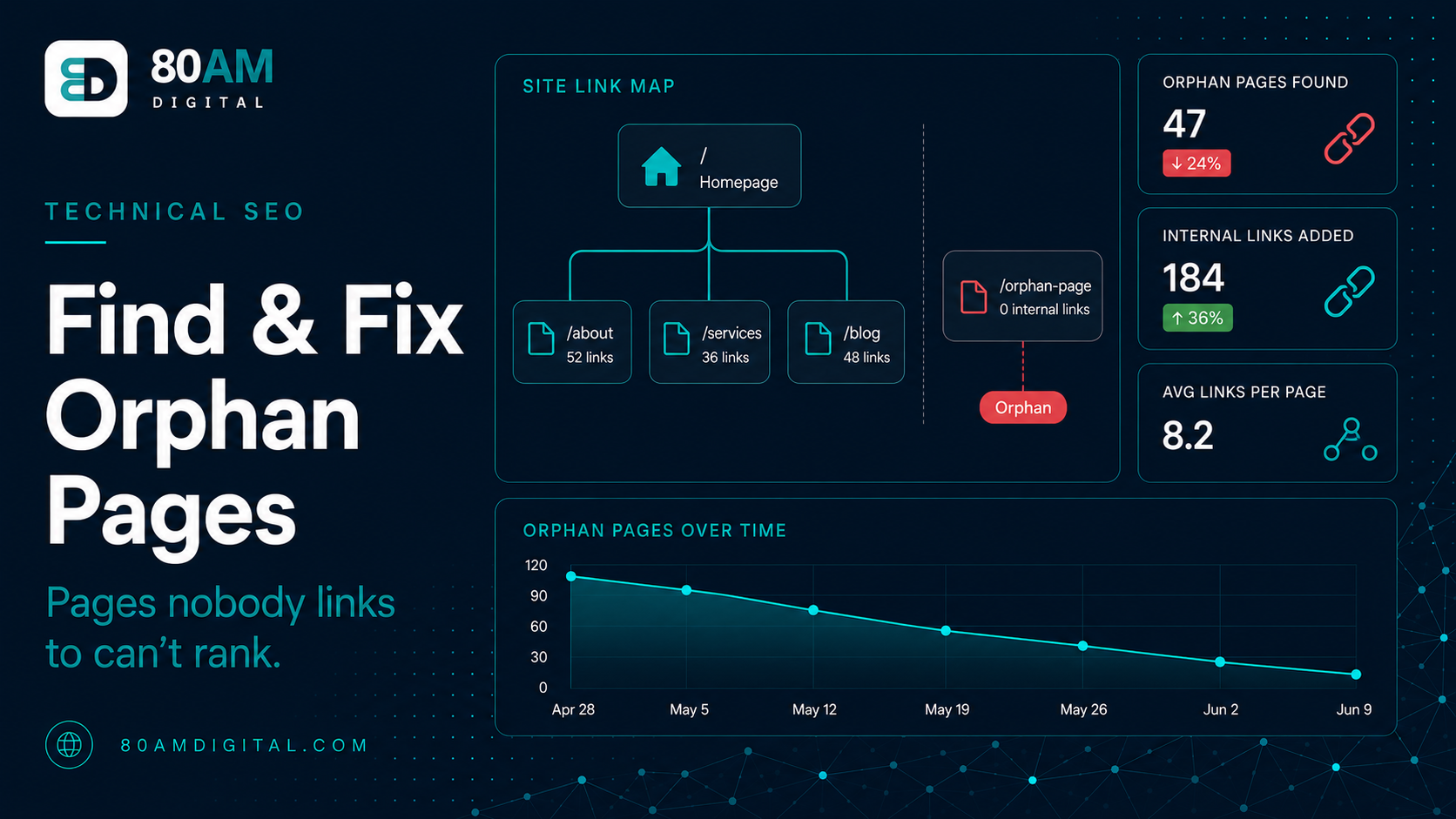
How to Find and Fix Orphan Pages
Orphan pages have no internal links pointing to them, so they’re hard to find and rank. Learn how to detect them in a crawl and fix them with smart linking.
Table of Contents
An orphan page is a page on your site with no internal links pointing to it. Googlebot discovers new pages primarily by following links — if a page has no links from anywhere on the site, it may never be crawled, and if it’s never crawled, it can’t rank. Even if Google discovers the page through a sitemap or an external link, a page with no internal links receives no authority from the rest of the site and is typically treated as low-priority content.
Orphan pages accumulate quietly over time. Old blog posts that were linked from a sidebar widget that was removed. Landing pages created for a campaign that ended. Product pages that were excluded from the main navigation. Pages that were internal-linked correctly when published but lost their links during a redesign. The pages still exist; they’ve just been cut off from the site’s link graph.
The Short Version
- Find orphans by comparing your full URL list (sitemap, Search Console, Analytics) against a homepage-first crawl — the gap is your orphan list.
- Not every orphan deserves links: triage into “link to,” “redirect or merge,” and “noindex” buckets before doing any linking work.
- Prioritise orphans that already have Search Console impressions or backlinks — internal links amplify signal that’s already there rather than starting from zero.
- Fixing orphans recovers authority from content you’ve already written — it’s the highest-leverage internal linking work with no new content required.
How to find orphan pages
The method: compare your complete URL list against the pages your crawler finds through internal links.
- Get your full URL list: Export all URLs from your XML sitemap, your Google Search Console URL inventory (Indexing → Pages → All Submitted URLs), and your Google Analytics organic traffic report. This list includes every URL you know exists.
- Run a crawl from the homepage: Use Screaming Frog, Sitebulb, or a similar crawler starting from your homepage, following only internal links. This produces a list of every page the crawler can reach through the link structure.
- Find the gap: URLs in your full list that don’t appear in the crawl are orphans — they exist but can’t be reached through internal links. This is the orphan page list.
Screaming Frog makes this straightforward: crawl the site, then upload the sitemap XML for comparison. The tool shows which sitemap URLs weren’t found during the crawl — those are your orphans.
Deciding what to do with each orphan
Not every orphan page needs to be saved:
| Orphan type | Treatment |
|---|---|
| Valuable content worth linking to | Add contextual internal links from pillar content, related spokes, and category archives |
| Outdated content that’s no longer accurate | Update and link to it, or redirect to the most relevant current page and remove from the sitemap |
| Low-quality or thin content | Consolidate with a related, stronger page via 301 redirect — don’t waste link investment rescuing thin content |
| Genuinely temporary campaign pages | Noindex if they need to stay live for tracking, but shouldn’t consume crawl budget or ranking signal |
Where to add the internal links
When you identify an orphan worth keeping, find the right places to link to it:
- Pillar or parent pages: If the orphan is a spoke article in a topic cluster, the pillar should link to it. This is often the most natural link to add and the most valuable in terms of topical authority.
- Related spoke articles: Other articles in the same cluster that cover adjacent topics are natural places to link contextually.
- Category or tag pages: If your site has content category pages, ensure the orphaned post appears in the appropriate category and that the category page links to it.
- Navigation or footer links: For high-value pages that should be globally accessible (services, contact, key landing pages), a footer or navigation link ensures they’re always one click from everywhere on the site.
For how internal linking works as a broader strategy, see the internal linking strategy playbook. For the full technical audit, see the SEO audit checklist.
How much orphaning typically happens on a mature site
What to expect on a multi-year site
A worked example: 40 orphans, one afternoon’s triage
A B2B content site that had been live for five years and gone through two redesigns ran the sitemap-vs-crawl comparison and found 40 orphaned blog posts — about 18% of its total published content. Rather than linking to all 40, the team exported Search Console performance data for each URL and sorted by impressions. Twelve posts had meaningful impressions despite having zero internal links — Google was still surfacing them for relevant queries purely on the strength of old backlinks and domain authority. The remaining 28 had near-zero impressions and were largely thin, outdated posts from the site’s early years.
The 12 high-impression orphans each got two to three contextual links added from related pillar and spoke content — a half-day’s work. The 28 low-value orphans were triaged further: 9 were updated and merged into newer, more comprehensive posts via 301 redirect, and the remaining 19 were left as-is but removed from the sitemap, since they weren’t worth the editorial time to rescue. Three months later, the 12 linked posts showed measurable position improvements in Search Console; the 28 untouched-but-deprioritized posts had no negative impact on the site, because they were never consuming meaningful crawl budget to begin with.
Frequently asked questions
Every page on your site should be reachable
A page you want ranked should be reachable through internal links — not just through a sitemap or an external URL someone bookmarked. Fixing orphan pages is the highest-leverage internal link work you can do: it recovers the authority of content that’s already written and indexed, without requiring any new content creation.
If you’d like help identifying and prioritising orphan pages on your site as part of a content or technical audit, get in touch.