Site Migration SEO Checklist: Change Platforms Without Losing Traffic
Table of Contents
A site migration — whether a full replatform, a domain change, or a significant URL restructure — is one of the highest-risk events in SEO. Done without preparation, a migration can lose 30–70% of organic traffic in the first weeks, and some of that loss never recovers. Done against a checklist, that loss is avoided entirely or recovers inside a month.
This checklist covers everything that needs to happen before, during, and after a migration to preserve rankings. It applies to any type of migration: WordPress to Webflow, Shopify to a custom platform, domain consolidation, or a URL restructure without a platform change. The mechanics differ slightly by type — see the risk table below — but the underlying discipline is the same: know every URL that currently exists, decide where it goes, and verify the mapping before anything goes live.
The Short Version
- Crawl and export every existing URL before you touch anything — this list is the source of truth for what needs a redirect.
- Build a 1:1 URL map (old → new), never redirect everything to the homepage, and test the full redirect set in staging before launch.
- Never launch a new site without redirects already in place — even a few hours of live 404s on indexed pages costs ranking equity.
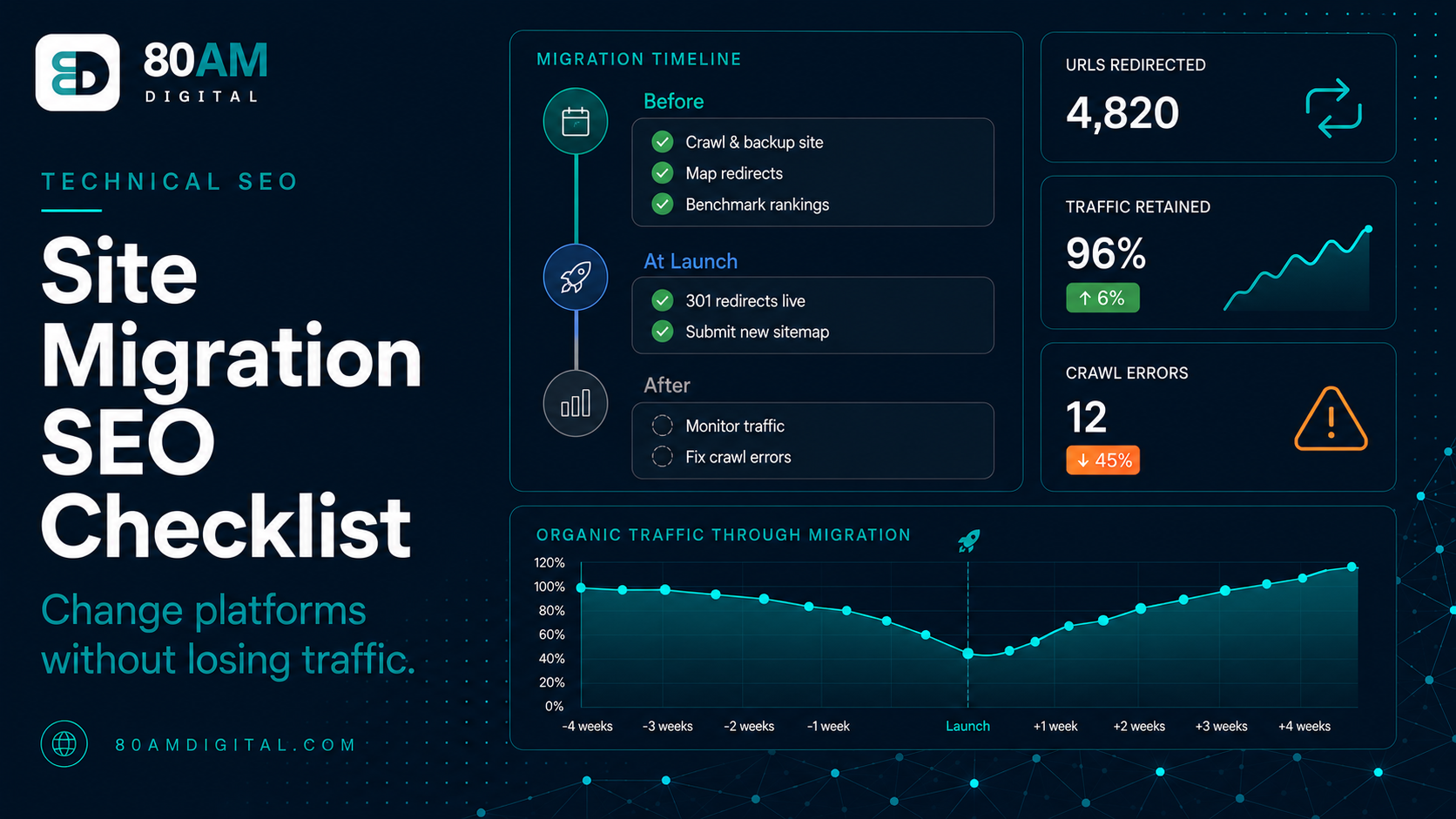
- A 10–20% traffic dip in week one or two that recovers by week four is normal. A 40%+ drop still declining at week four means something in the checklist was missed.
Before the migration
Everything in this section happens before a single line of the new site goes live. Skipping ahead to launch without finishing this list is the single most common cause of a migration that loses traffic permanently rather than temporarily.
1. Crawl and export the current site
Run a full crawl of the existing site using Screaming Frog or Sitebulb and export the complete URL list. This is your source of truth for what needs to be redirected. Every URL that currently exists and could have inbound links, organic rankings, or bookmarks needs to either be preserved or redirected.
Cross-reference this crawl with your Google Search Console URL inventory: Search Console → Indexing → Pages → All Submitted URLs. Add any URLs from Search Console that weren’t captured in the crawl — these may be orphaned pages that the crawler didn’t reach but that are still indexed and earning impressions. Also pull your top external-linking pages from Ahrefs or Semrush; a page with thin internal links but a handful of strong external backlinks is easy to miss in a crawl and expensive to lose.
2. Export current rankings and traffic baselines
Before the migration, export a full keyword ranking snapshot from your rank tracker. Also export the Search Console Performance report (12 months, by page and by query) and Google Analytics organic sessions by landing page, and save all of it somewhere outside the CMS you’re about to replace. Post-migration, you’ll compare against these baselines to confirm what recovered and what didn’t — without them, every post-launch traffic conversation becomes a guess instead of a measurement.
3. Build the URL mapping
Create a spreadsheet with two columns: old URL and new URL. For every old URL, specify where it will redirect. The rules:
- If the page moves to a new URL: map old → new (301 redirect).
- If the page is being discontinued with no equivalent: map old → the most closely related live page (301 redirect) — never the homepage by default.
- If the page URL is unchanged: no redirect needed, but confirm the canonical tag is still correct on the new platform.
Do not redirect everything to the homepage. A product page that redirects to the homepage passes no topical relevance, drops the user into the wrong context, and tells Google the old page’s content no longer exists anywhere — which is treated closer to a soft 404 than a real move. Always redirect to the most relevant equivalent page, even if that means a many-to-one mapping for a handful of discontinued pages.
4. Implement and test redirects in staging
Implement the full redirect map on the staging environment and test it before launching. Use Screaming Frog’s list mode to crawl the old URL list against the staging environment and confirm that every redirect returns a 301 (not 302 or 200) and points to the correct destination. Fix redirect chains (A → B → C should be simplified to A → C) and fix any redirect loops before they reach production — both quietly waste crawl budget and slow how fast Google re-indexes the new URLs.
5. Prepare the new site’s internal links
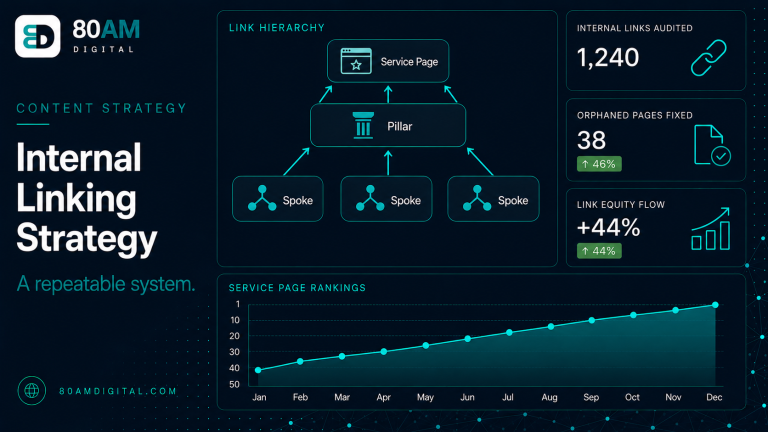
All internal links on the new site should point to the new URLs directly — not to old URLs that then redirect. Redirect chains slow crawl and dilute link equity passed between pages. If the new site’s templates, navigation, or footer still reference old URLs, update them before launch; this is easy to overlook on auto-generated navigation menus that were built on the old platform’s URL structure.
Risk by migration type
Not every migration carries the same risk profile. Knowing which type you’re running tells you where to spend the most diligence.
| Migration type | Risk level | Most common cause of traffic loss | Key safeguard |
|---|---|---|---|
| Domain change | Highest | Google re-establishing domain authority on the new domain | Search Console Change of Address tool, plus a full redirect map |
| Platform replatform (e.g. WordPress → Shopify) | High | URL structure changes that weren’t fully mapped; lost metadata/schema | Full crawl-based URL inventory before build starts |
| URL restructure, same platform | Medium | Redirect chains and missed edge-case URLs (filters, pagination, tags) | Cross-reference crawl with Search Console’s full indexed list |
| Design refresh, URLs unchanged | Low | Accidental noindex tags or canonical errors introduced during the rebuild | Pre-launch crawl of staging to confirm indexability is unchanged |
At launch
- Deploy the redirects simultaneously with the new site — never launch the new site without redirects in place, even for a “few hours.”
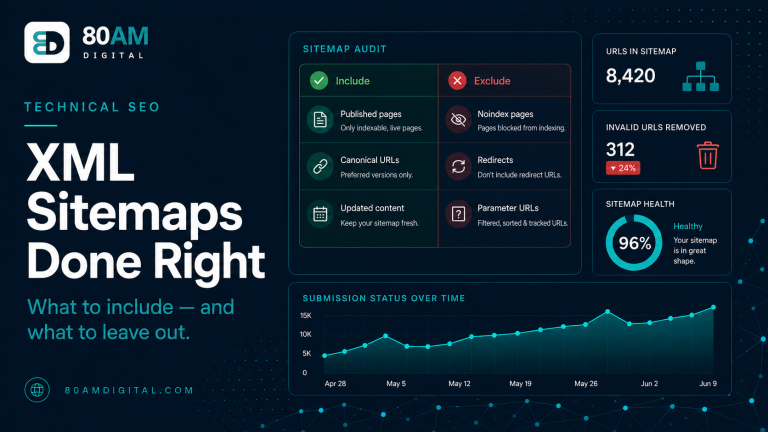
- Submit the new XML sitemap to Search Console immediately after launch.
- Request indexing for the highest-priority pages using the URL Inspection tool in Search Console.
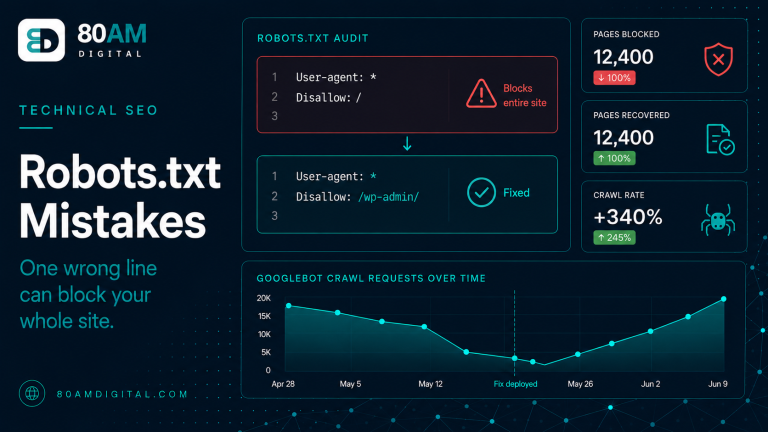
- Verify robots.txt is not blocking any pages that should be indexed — a leftover staging
Disallow: /is the single most damaging copy-paste error in a migration. - Confirm canonical tags on all key pages point to the correct new URLs, not leftover staging URLs.
After the migration
First 72 hours
Monitor Search Console for crawl errors — particularly 404s and server errors on pages that should be live. Check Google Analytics for organic traffic drops on the pages most recently crawled by Google. Fix any errors immediately: a 404 on a high-authority page that hasn’t been redirected is losing ranking equity every hour it goes unresolved.
First 4 weeks
Compare organic traffic week-over-week against your pre-migration baseline. Some traffic loss in the first two weeks is normal as Google recrawls and re-evaluates the new URLs.
What’s normal vs. what needs diagnosis
A 40%+ drop that’s still declining at week four requires diagnosis: check that the most important redirects are working, that key pages are indexed, and that no pages were accidentally noindexed during the build. For technical SEO fundamentals beyond the migration itself, see the SEO audit checklist, and for the redirect-specific failure modes, see fixing redirect chains and loops.
A worked example: a Shopify replatform
A mid-sized ecommerce brand moving from a legacy custom cart to Shopify is a common, high-risk case because Shopify imposes its own URL structure (/products/, /collections/) that rarely matches the old site exactly. Three things typically surface in the audit before launch:
- Category URLs flatten. The old site nested categories (
/shop/mens/shoes/running/); Shopify collections are flat (/collections/running-shoes). Every nested category URL needs an explicit mapping — there’s no automatic equivalent. - Product variants lose their own URLs. If the old platform gave each color/size variant its own indexed URL, and Shopify consolidates them onto one product page with a query parameter, that’s a many-to-one redirect on every variant URL with inbound links or rankings.
- Pagination and filter URLs multiply. Faceted navigation on the old site may have generated thousands of indexed filter combinations. These rarely deserve a 1:1 redirect — map them to the parent collection page instead, and noindex the equivalent filter URLs on Shopify going forward.
The fix in each case is the same discipline as the checklist above, just applied to platform-specific URL behavior: crawl first, map deliberately, and never assume the new platform’s default URL pattern will line up with what’s currently ranking.
Frequently asked questions
The checklist exists to protect work you’ve already done
Every ranking your site has earned took time — content written, links accumulated, crawl history established. A migration that loses those rankings doesn’t just lose traffic; it loses months of SEO investment. The checklist is the mechanism for protecting that investment across the transition, and it works because it converts an emotionally stressful, high-stakes event into a sequence of checkable, testable steps.
If you’re planning a migration and want an SEO review of the project plan before it begins, get in touch — we’ll review the approach and flag any risks before they become losses.