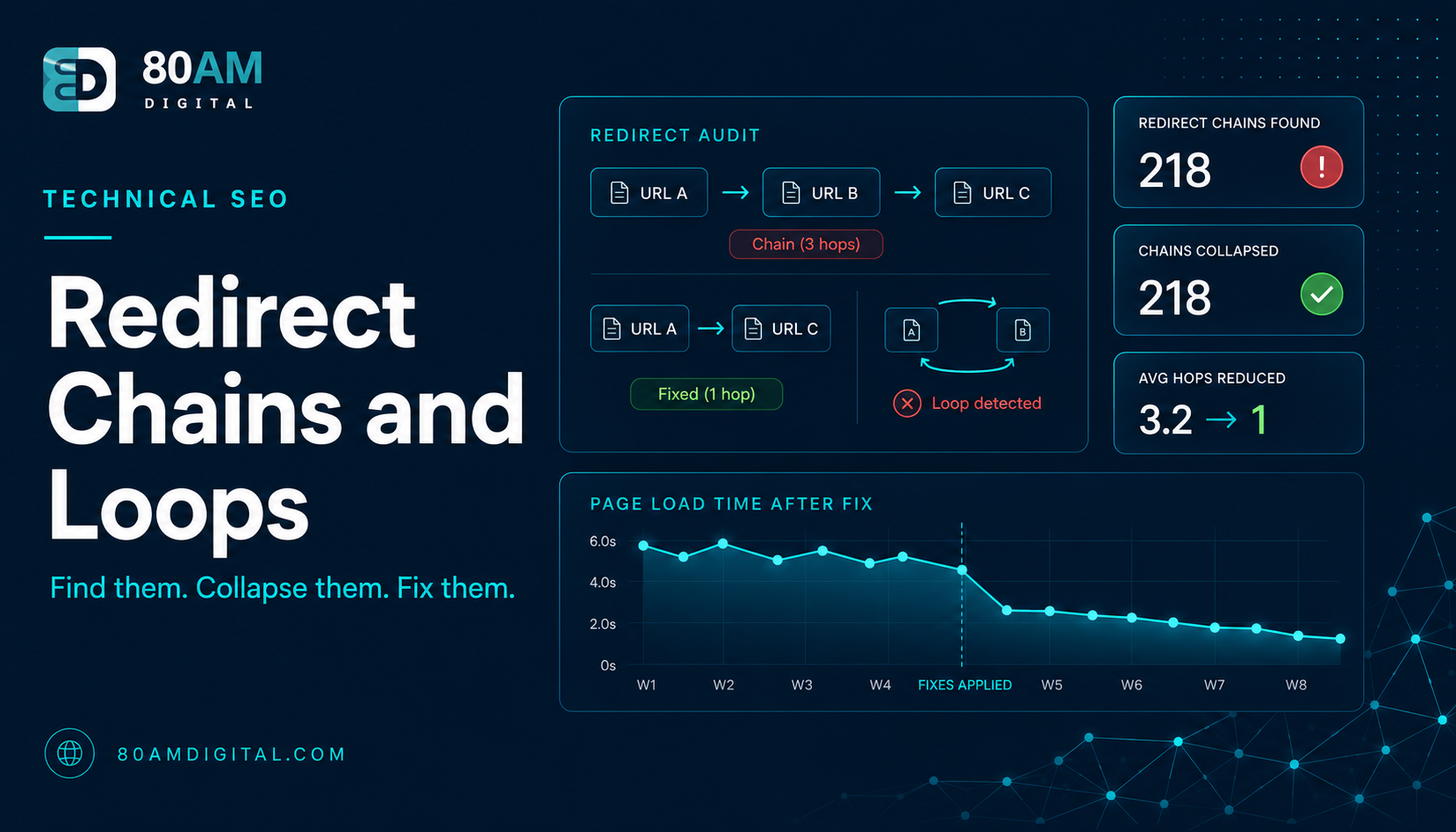
Redirect Chains and Loops: A Quick Audit and Fix
Long redirect chains slow pages and leak link equity; loops break them entirely. Learn how to find redirect issues and replace them with single 301s.
Table of Contents
A redirect chain is a sequence where one URL redirects to another, which redirects to another — A → B → C — instead of going directly to the final destination. Each hop adds latency to the page load and dilutes the link equity being passed. A redirect loop is worse: A → B → C → A brings the browser back to where it started, resulting in an error and a page that can never be reached.
Both problems are common on sites with long content histories — where URLs have been changed more than once, where old redirects were never updated when new ones were added on top, or where migration redirects were layered over existing redirect rules without cleaning up the chain.
The Short Version
- Every redirect hop adds latency, dilutes link equity, and wastes crawl budget — the goal is always one hop from old URL to final destination.
- Find chains with a crawler’s redirect-chain report; fix them by repointing the first URL directly to the final destination and updating internal links to match.
- Redirect loops usually come from two contradicting rules (e.g., www→non-www and non-www→www both active) — find the contradiction, remove one side.
- Keep redirects in place indefinitely for any URL with external links; only remove redirects for orphaned URLs with no link history after a year or two.
Why redirect chains hurt
| Impact | What happens |
|---|---|
| Page speed | Each redirect requires an additional HTTP request and response cycle — a three-hop chain can add 200–600ms of latency before the browser begins loading the final page, directly affecting LCP |
| Link equity dilution | Google has indicated some PageRank loss occurs with each hop; a single 301 passes most authority, a four-hop chain passes meaningfully less |
| Crawl budget | Each redirect URL Googlebot encounters requires a separate crawl request, wasting budget on hops instead of indexable content |
How to find redirect chains
The fastest method is a crawler. In Screaming Frog: run a crawl and filter by “Response Code” for 301/302. Then check the “Redirect Chain” tab — Screaming Frog lists the full hop sequence for any URL that has a chain. Look for chains with more than one hop (A → B → C).
Also check: internal links. If pages on your site link internally to a URL that then redirects (even via a single redirect), that’s unnecessary. Internal links should always point to the final destination URL, not to a URL that redirects to it. Run the crawl and filter for internal links with 3xx response codes — these are all internal links that should be updated.
How to fix redirect chains
The fix for a chain A → B → C is to update the redirect map so A → C directly, removing B from the path. If B itself is a legitimate URL that still receives traffic or external links, it should also redirect to C. The goal is a flat redirect structure where every old URL goes directly to its final destination in one hop.
For WordPress sites: redirects are typically managed through a plugin (Redirection, Rank Math’s redirect manager) or in the server config (.htaccess for Apache, nginx.conf for Nginx). Update the rule for the first URL in the chain to point directly to the final destination, and remove intermediate redirect rules that are now unnecessary.
Update internal links at the same time: any internal link pointing to an old URL that redirects should be updated to point to the final destination. This removes the redirect hop entirely for internal navigation and passes full link equity without any dilution.
Redirect loops
Loops typically happen from misconfigured redirect rules — where two rules contradict each other, or where a canonical and a redirect point in opposite directions. To diagnose: enter the looping URL in a tool like redirect-checker.org or use curl -I -L URL in terminal to follow the redirect chain and see where it loops. Once you’ve identified which rules are creating the cycle, remove or correct one of them.
Common loop triggers: a redirect rule for the www version pointing to non-www, combined with a separate rule that points non-www back to www. Or a canonical pointing to a URL that redirects back to the original. Check for these contradictions first when diagnosing a loop.
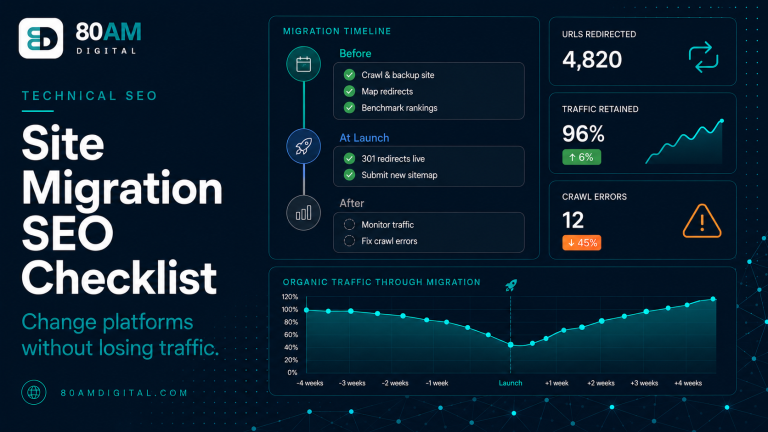
For the full technical audit framework, see the SEO audit checklist. For how redirects interact with site migrations, see the site migration SEO checklist.
What chains actually cost you
Cost per extra hop
A worked example: five hops on a high-traffic page
A site that had gone through two URL structure changes and one domain migration over six years had a popular guide reachable only via a five-hop chain: the original 2019 URL redirected to a 2021 restructured URL, which redirected to a 2022 category-renamed URL, which redirected to the post-migration URL on the new domain, which redirected once more to a trailing-slash-corrected final version. Each redirect rule had been added independently at the time of its respective change, and none of the previous rules were ever updated to point directly to the final destination.
A Screaming Frog crawl’s Redirect Chain report flagged it immediately once someone ran the check — the page was already ranking on page one for its primary keyword, so the team hadn’t noticed the underlying chain. Flattening all five legacy URLs to redirect directly to the final destination took under an hour. The page’s Largest Contentful Paint improved measurably for visitors arriving from any of the older bookmarked or linked URLs, and Search Console showed a small but clear uptick in the page’s average position over the following month — consistent with previously diluted link equity now reaching the destination URL in a single hop.
Frequently asked questions
Flat redirect structures — one hop, always
The redirect audit is a quick win: find the chains, collapse them to single hops, update the internal links that point to old URLs. It improves page speed, recovers link equity, and reduces crawl waste — for a few hours of work that’s done once and maintained occasionally.
If you’d like redirect chains included in a broader technical audit of your site, get in touch.