Canonical Tags Explained: Stop Competing With Yourself
Duplicate and near-duplicate URLs split your ranking signals. Learn how canonical tags work, when to use them, and how to consolidate duplicates correctly.
Table of Contents
When the same content is accessible at more than one URL, search engines have to decide which version to rank. Without guidance, they may split your ranking signals across multiple URLs — reducing the authority of each one. Canonical tags are how you tell search engines which version is the one that matters.
Duplicate content is more common than most site owners realise. It’s rarely intentional — it usually emerges from platform defaults, URL parameter variations, or the same content appearing on different paths. Canonical tags resolve the ambiguity without removing URLs from the site.
The Short Version
- A canonical tag tells Google which URL among duplicates or near-duplicates should receive the consolidated ranking signal.
- It’s a hint, not a directive — Google can still choose a different URL if its own signals (especially inbound links) point elsewhere.
- Most duplicate URLs come from platform defaults (www/non-www, trailing slashes, parameters), not deliberate choices — audit for these specifically.
- Never canonicalize to a redirecting or noindexed URL — both create contradictory signals that undermine the canonical entirely.
How the canonical tag works
The canonical tag is placed in the <head> of a page’s HTML. It looks like this:
<link rel="canonical" href="https://yourdomain.com/preferred-url/" />It tells Google: “This page’s content is owned by the URL in the href. If you find this content elsewhere, treat that URL as the authoritative source.” Google consolidates ranking signals (links, engagement history, crawl authority) to the canonical URL and is less likely to index the non-canonical versions.
The canonical tag is a hint, not a directive. Google can choose to index a different URL if it has stronger signals — for example, if the non-canonical URL has many more inbound links than the canonical. This is why canonicals work best when paired with consistent internal linking to the preferred URL.
When duplicate URLs appear without you creating them
Most duplicate URL problems come from the platform, not from deliberate choices:
| Source | Example | Fix |
|---|---|---|
| www vs non-www | example.com/page/ vs www.example.com/page/ | Pick one as canonical and 301 redirect the other |
| Trailing slash inconsistency | /page/ vs /page | Canonicalize or redirect consistently to one form |
| HTTP vs HTTPS | Both versions returning 200 instead of HTTP redirecting | Force HTTPS redirect at the server level |
| URL parameters | /products/?sort=price vs ?sort=rating | Canonical to the base /products/ URL |
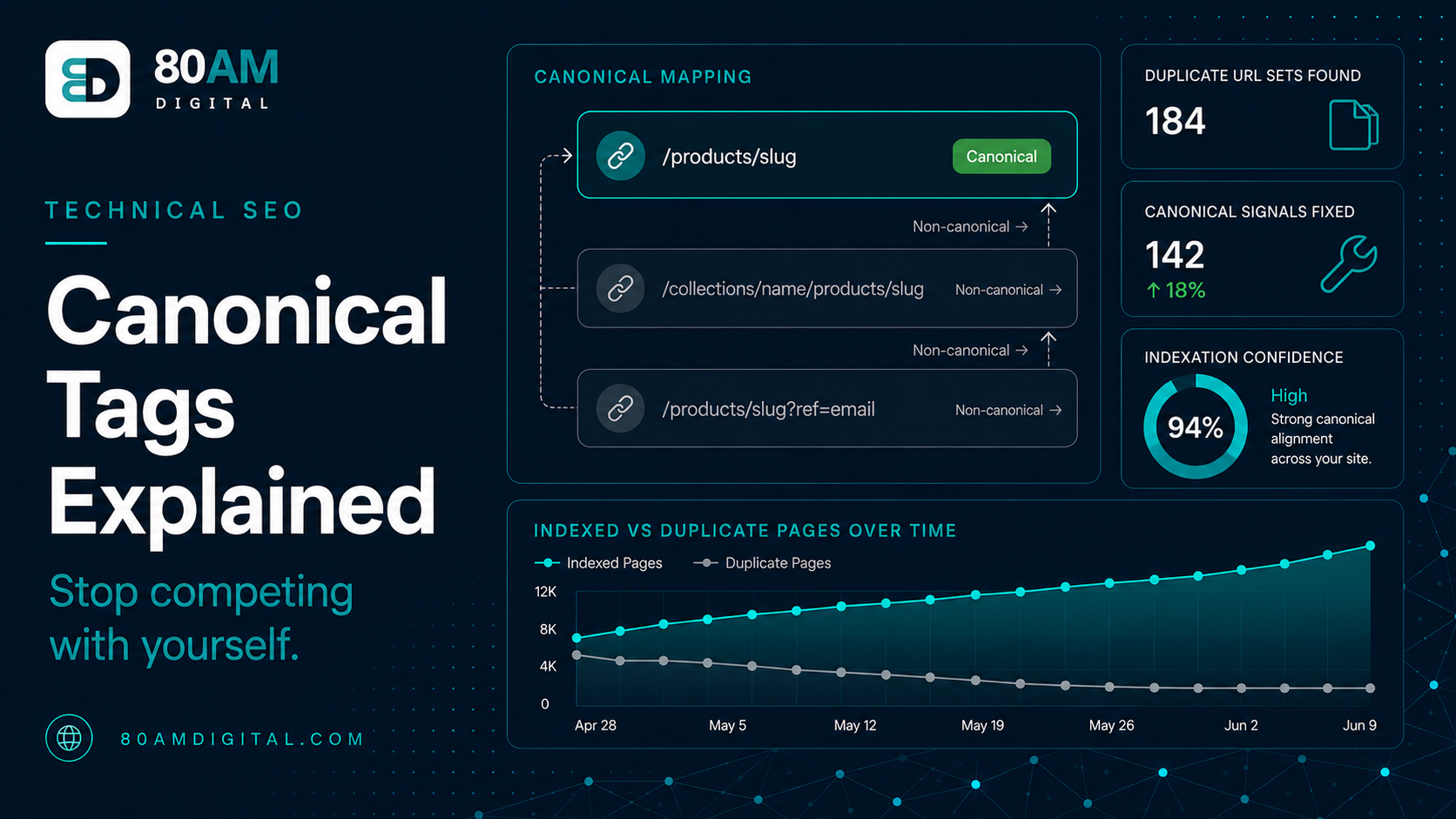
| Shopify dual product URLs | /products/slug vs /collections/x/products/slug | Verify Shopify’s automatic canonical is firing correctly |
| Syndicated or reprinted content | Your article republished on a partner site | Partner adds cross-domain canonical pointing to your original |
Self-referencing canonicals
Every page should have a canonical tag — including pages that are their own canonical. A self-referencing canonical (https://example.com/page/ canonical pointing to https://example.com/page/) explicitly declares to Google that this URL is the preferred version. This prevents Google from choosing a different URL as the canonical if it encounters the content elsewhere.
Most SEO plugins (Rank Math, Yoast) add self-referencing canonicals automatically. Verify they’re being added correctly — particularly on paginated pages, tag archives, and any page that might be accessible through multiple URL patterns.
Common canonical tag mistakes
- Canonicalising to a redirecting URL: If the canonical href points to a URL that then redirects, Google has to follow the redirect to find the real destination. Point canonicals directly to the final URL.
- Canonicalising all paginated pages to page 1: This removes pages 2, 3, 4 etc. from the index, which can prevent Google from discovering products or content only listed on later pages.
- Canonicalising to a noindexed page: The canonical and the noindex tag give contradictory signals — “index this URL” and “don’t index this page.” Resolve the contradiction: either index the canonical or redirect the non-canonical.
- Incorrect protocol or subdomain: A canonical pointing to
http://instead ofhttps://, or to a subdomain that isn’t the intended canonical, creates the same splitting problem it was meant to solve.
For the complete technical audit framework, see the SEO audit checklist. For how canonicals interact with ecommerce filter URLs, see technical SEO for ecommerce.
What a canonical actually does to ranking signals
Canonicals at a glance
A worked example: three URLs, one product
A Shopify store’s bestselling product was reachable at three URLs: the canonical /products/trail-jacket, a collection-path version /collections/outerwear/products/trail-jacket, and a UTM-tagged version from an old email campaign that had picked up its own backlinks over time. An audit with Screaming Frog showed the collection-path version had a working canonical pointing to /products/trail-jacket — but the UTM-tagged version, sitting at a third distinct URL with query parameters, had no canonical at all and had accumulated 14 referring domains from the original campaign.
Adding an explicit canonical to the UTM-tagged URL (pointing to /products/trail-jacket) consolidated those 14 referring domains’ link equity onto the canonical version instead of leaving it stranded on a parameter URL nobody was actively managing. Rankings for the product’s primary keyword improved within the next crawl cycle — not because anything about the product page changed, but because signal that had been split across three URLs was now flowing to one.
Frequently asked questions
One URL per piece of content
The simplest mental model for canonicals: every piece of content should have exactly one URL that owns it. Every other URL where that content appears — through platform defaults, parameters, or syndication — should point to the canonical. When that’s the case, ranking signals accumulate to the right place and Google doesn’t have to guess.
If you’d like a canonical audit as part of a broader technical review, get in touch.