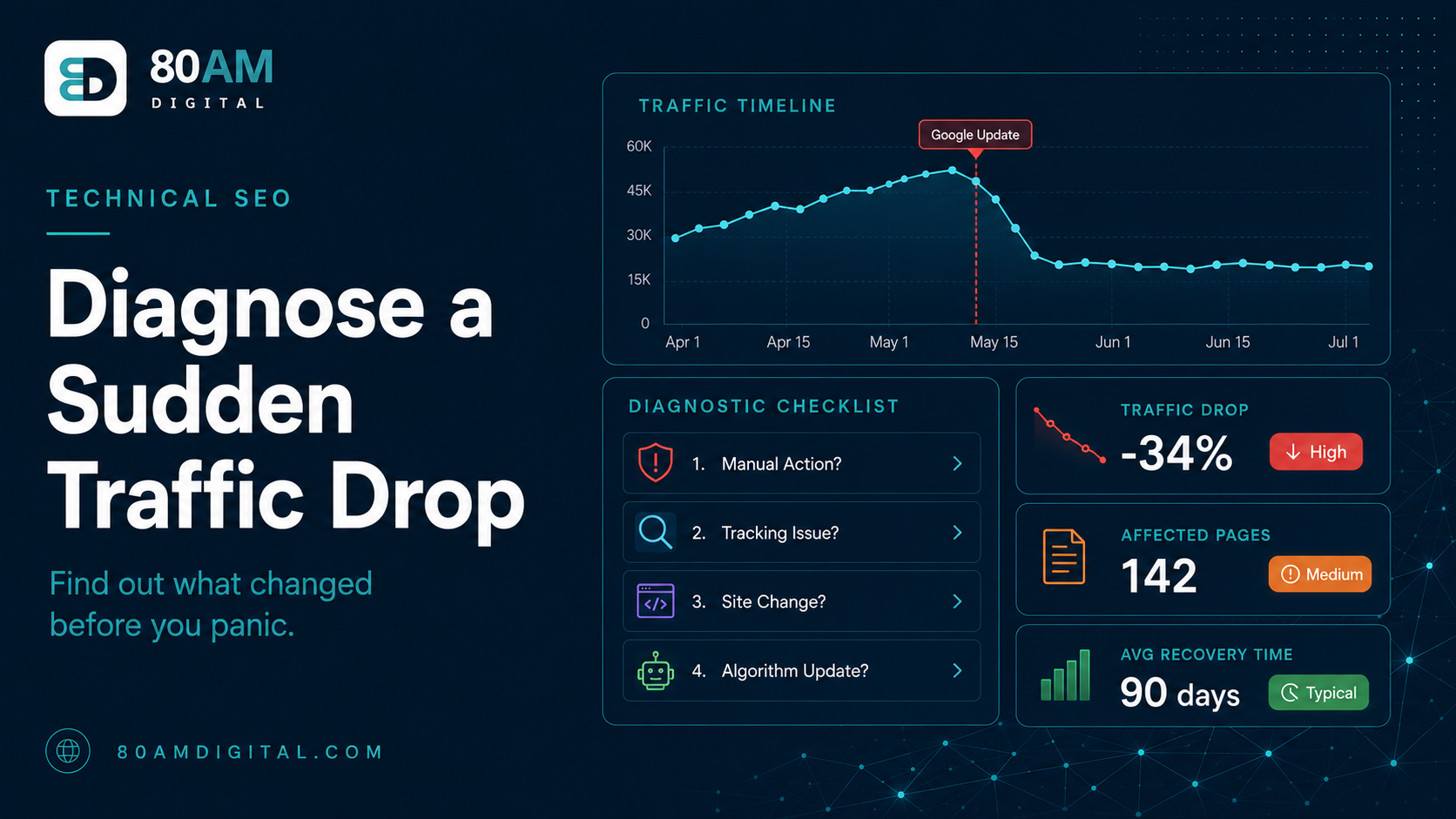
How to Diagnose a Sudden Traffic Drop After a Google Update
Lost traffic after a core update? Learn how to confirm it was the update, pinpoint the affected pages, and decide what to fix before you panic-edit everything.
Table of Contents
A sudden traffic drop after a Google algorithm update is one of the most disorienting events in SEO — partly because the instinct is to act immediately, and the worst thing you can do is make a series of reactive changes before you understand what actually happened.
This guide walks through a calm, evidence-based diagnostic process: confirm whether the update is the cause, identify which pages and topics were affected, understand why, and decide what to fix — in that order, before touching anything.
The Short Version
- Before blaming the update, rule out a manual action, a tracking issue, and an undocumented site change — each has a different fix.
- Use Search Console’s Pages and Queries tabs, date-compared before/after the update, to find exactly which pages and topics lost ground.
- Core updates reassess quality, not technical issues — quick fixes like meta title tweaks rarely reverse a core-update drop.
- Recovery is usually tied to the next core update cycle, not the days after this one — substantial content improvements made now are reassessed at that point.
Step 1: Confirm it was the update
Not every traffic drop that coincides with a Google update is actually caused by it. Before assuming it is, rule out the alternatives — each one has a completely different fix, and treating a tracking bug like an algorithmic penalty wastes weeks.
Ruling out the other usual suspects
| Signal to check | What it suggests instead of an update | Where to look |
|---|---|---|
| Drop started before the update’s confirmed start date | A site change, manual action, or unrelated cause | Compare your traffic graph against the confirmed update timeline |
| A Manual Action notice is present | A manual penalty, not algorithmic — requires its own remediation and reconsideration request | Search Console → Security & Manual Actions |
| Impressions held but clicks fell | A tracking or measurement issue, not a ranking change | Search Console Performance: compare impressions vs. clicks trend |
| Only one traffic source or device type dropped | A tagging, redirect, or device-specific technical bug | GA4 traffic by source/medium and by device category |
| A CMS update, plugin change, or deploy happened near the drop date | An accidental noindex, robots.txt change, or broken template | Compare a cached/archived crawl from before and after the date |
If the drop correlates precisely with a confirmed Google update date and none of the above apply, proceed with the update diagnosis below.
Step 2: Identify what was affected
Open Search Console → Performance → Pages tab. Set a date comparison: the period after the update began versus an equal-length period immediately before. Sort by “Difference in Clicks” (ascending) to see the pages that lost the most traffic. Then look for patterns:
- Are the affected pages from a specific category or topic area? Core updates often affect topical clusters — if your finance content dropped but your technology content held, that’s a signal about the update’s focus.
- Are the affected pages a specific type? Thin content pages, news articles, product review pages, or affiliate pages often bear the brunt of specific update types.
- Did specific keywords drop while others held? Filter the Queries tab by the affected pages and look at which specific queries lost position, and which held steady on the same page.
Step 3: Understand why
Once you’ve identified the affected pages, look at what those pages have in common and compare them to what’s now ranking in their place. For each significantly affected page:
- Search the target keyword. What page is now ranking where you were? Read it carefully. Is it more comprehensive? Does it have more original research or specific examples? Is the format different (a tool vs. a guide)?
- Read your own page critically: is there original analysis, or does it largely restate information available elsewhere? Does it show genuine expertise on the topic? Are the claims supported by evidence or are they generic statements?
- Check E-E-A-T signals: does the page (and the site overall) demonstrate experience, expertise, authority, and trust? Is the author identified? Are sources cited? Is there evidence of genuine first-hand knowledge?
Step 4: Decide what to fix (and what not to panic-change)
Core updates are a reassessment of the site’s overall quality, not a penalty for a specific technical issue. That means quick fixes — changing meta titles, adding internal links, stuffing keywords — typically do nothing after a core update. The signal Google changed was a quality signal, and quality improvements take time to register.
What’s worth doing immediately:
- Identify the 5–10 pages most affected and assess whether they’re genuinely high-quality resources or whether they were ranking on thin coverage.
- For pages with genuine quality problems: plan a substantial rewrite or consolidation, not a light edit.
- For pages that are genuinely strong but lost positions anyway: wait for the update to fully roll out (often 2–4 weeks) before drawing conclusions.
What recovery actually looks like
Realistic recovery expectations
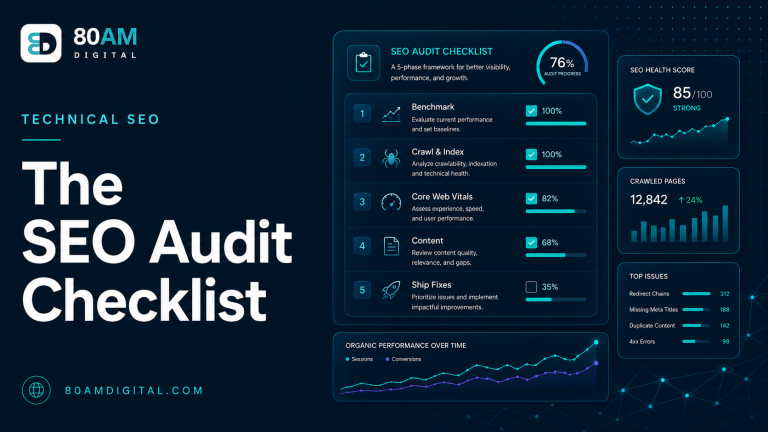
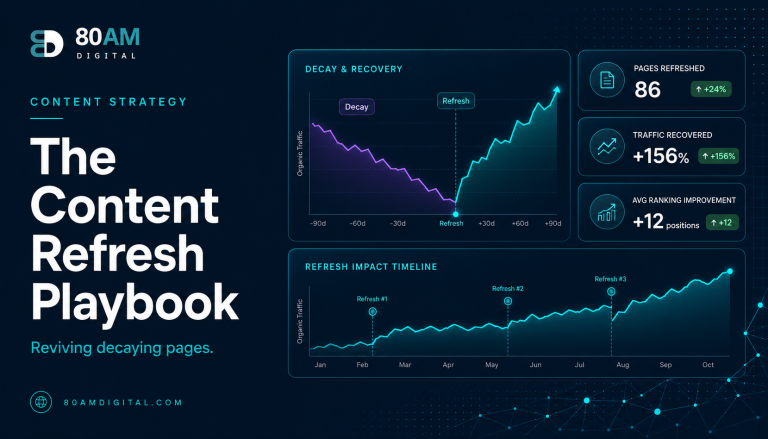
For the broader technical audit framework, see the SEO audit checklist. For how to assess whether specific pages should be refreshed or rebuilt, see the content refresh playbook.
A worked example: a content site after a core update
A B2B SaaS blog loses 35% of organic traffic in the week a core update rolls out. Step 1 rules out a manual action (none present) and a tracking issue (impressions fell in step with clicks, so it’s a real ranking change). Step 2 shows the drop concentrated on 12 comparison-style “Tool A vs. Tool B” pages, while the site’s how-to guides held steady. Step 3 shows the pages now outranking them are longer, include the writer’s own testing notes and screenshots, and cite specific version numbers and pricing — where the affected pages had generic, templated comparisons with no first-hand testing evident.
Step 4 is where discipline matters most: the team’s first instinct is to rewrite all 12 pages in a week. Instead, they pick the three highest-traffic comparison pages, rebuild them with genuine hands-on testing and original screenshots, and leave the other nine alone until the next core update confirms whether the approach is working — rather than burning the same effort across all 12 on a hypothesis that hasn’t been validated yet.
Frequently asked questions
Data before action
The most expensive mistake after a traffic drop is reactive editing — changing things based on intuition rather than a clear diagnosis of what changed and why. The diagnostic process is slower but produces changes that actually work, because they’re grounded in what Google actually assessed differently rather than what feels like the problem.
If you’ve experienced a significant traffic drop and want a second set of eyes on the diagnosis before making changes, get in touch — we’ll help you identify what happened and what’s worth fixing.