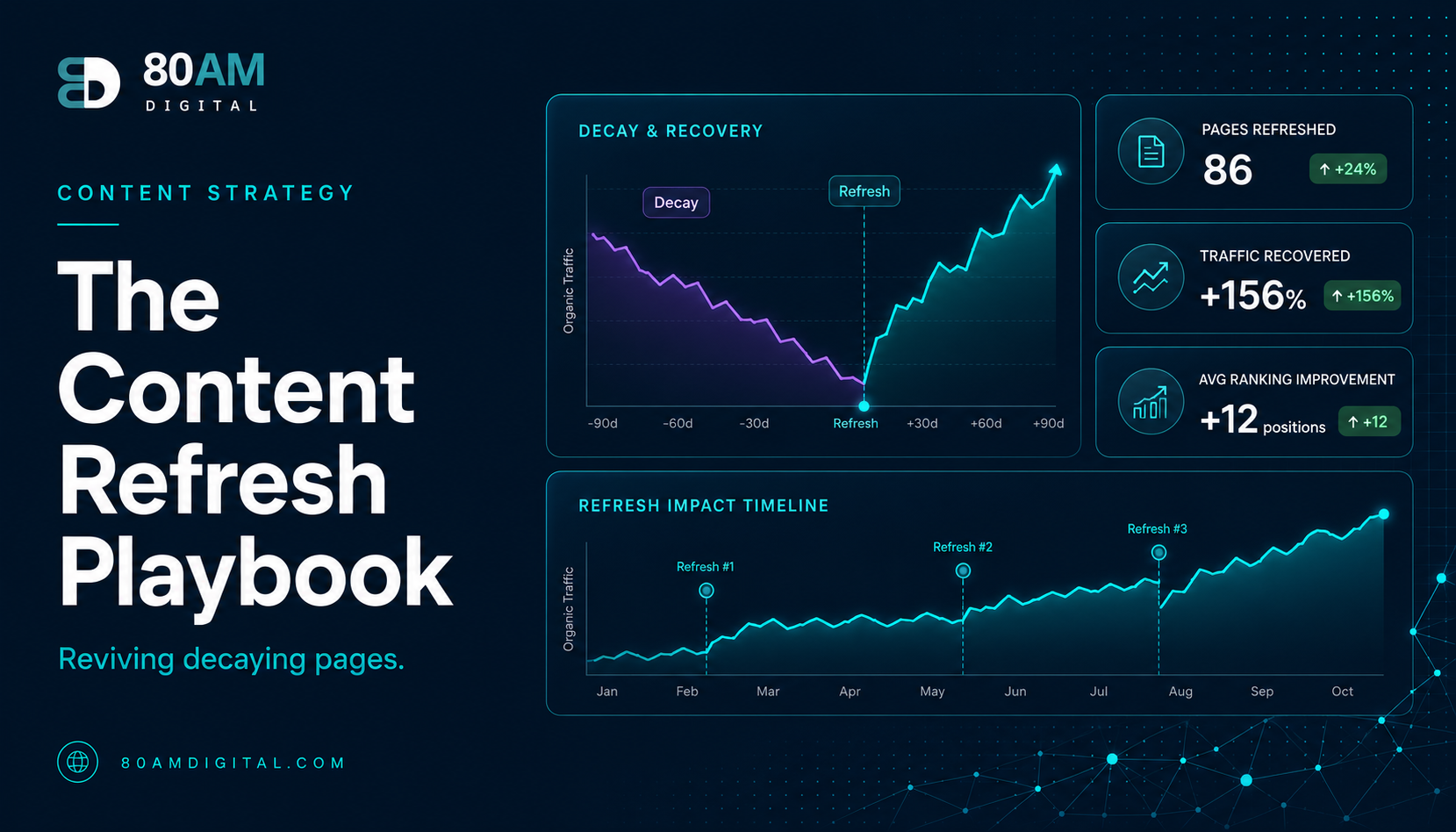
The Content Refresh Playbook: Reviving Decaying Pages
Old pages lose rankings as intent and facts drift. Learn how to spot content decay and refresh pages so they regain traffic—often faster than writing new ones.
Table of Contents
Content decay is quiet. A page that ranked well eighteen months ago starts losing positions gradually — a spot here, two spots there. Traffic drops slowly enough that the cause isn’t obvious. Then one day you look at the chart and the page is on page two.
Before assuming the topic is exhausted or that you need to write something new, there’s usually a faster option: refresh the page that already has history, links, and some level of authority. Done correctly, a refresh can recover rankings faster than a new article, because Google doesn’t have to start the evaluation process from scratch.
This playbook walks through how to identify which pages need a refresh, what to actually change, and how to measure whether it worked.
The Short Version
- Diagnose before you fix: intent drift, factual staleness, new competition, and structural gaps each need a different type of refresh.
- Keep the same URL — the page’s history and links are tied to it, and a new URL starts the evaluation from zero.
- Pages with declining clicks but stable impressions are the best refresh candidates — the audience is still searching, you’re just losing the click.
- Minor copy edits and date changes rarely move rankings — meaningful refreshes add genuinely new sections, data, or structure.
What causes content decay
Content decays for a handful of consistent reasons. Knowing which one applies to a given page points you to the right fix.
| Cause | What’s happening |
|---|---|
| Intent drift | How people search for a topic evolves — the SERP format shifts and your page no longer matches what’s expected |
| Factual staleness | Statistics age out, tools change, best practices evolve — visitors leave for more current sources |
| New competition | A lightly contested keyword now has well-resourced sites producing thorough, well-linked coverage |
| Structural gaps | Search results have evolved to include sections, questions, or angles your original page never addressed |
Finding pages that need a refresh
Not all declining pages are worth refreshing. The process starts with triage.
Step 1: Pull the decay data
In Google Search Console, go to Performance → Search Results and set the date comparison to the last 6 months versus the 6 months before that. Sort by pages. Look for pages where:
- Clicks or impressions are down 20% or more year over year
- Average position has dropped 5 or more spots
- The page still has decent impressions — meaning there’s still intent for the topic
Pages with declining clicks but holding impressions are particularly good refresh candidates: the topic still gets searched, but your page is losing the click to someone else.
Step 2: Check whether the topic is still viable
Before investing in a refresh, confirm the topic hasn’t lost audience interest entirely. Check the SERP for the target keyword. If the results look strong and fresh — multiple pages updated in the past year, active SERP features — there’s still a ranking opportunity worth pursuing. If the SERP looks abandoned or the volume has evaporated, the topic may have simply run its course.
Step 3: Diagnose the decay type
Compare your page to the current top three results for the target keyword. Note:
- Is the format the same (guide vs. list vs. tool vs. product page)?
- Is your content newer or older than what’s ranking?
- Are competing pages covering angles, sections, or questions your page doesn’t?
- Are there statistics, examples, or tools in the top results that postdate your original publish date?
The answer to these questions tells you what type of refresh the page needs.
The four types of refresh
1. Factual update
Replace outdated statistics with current data. Update tool references, pricing, and best practice recommendations that have changed. Add a “Last updated” date to the page prominently. This is the fastest type of refresh and often sufficient for pages that are structurally sound but showing their age.
2. Coverage expansion
Add sections covering angles, questions, or use cases that the top-ranking pages address but your page doesn’t. Check the People Also Ask box for the target keyword and make sure your page answers the most relevant questions. This refresh doesn’t require rewriting — it requires identifying the gaps and filling them with genuinely useful content.
3. Intent realignment
If the format of the current top results has shifted away from your page’s format, the page may need structural work. A post structured as a listicle that now faces a competitive SERP full of comprehensive guides may need to evolve — not be abandoned, but restructured. This is the most involved type of refresh and usually means rewriting the page with the new format as the foundation while preserving (and updating) the substance.
4. Consolidation
If multiple pages on your site are targeting similar keywords and cannibalising each other’s traffic, consolidation is a refresh option. Merge the weaker pages into the strongest one, 301-redirect the merged URLs, and update the surviving page to incorporate the best content from the ones being retired. The result is a single, more authoritative resource instead of several competing ones.
Matching refresh type to effort
Publishing the refresh
Keep the same URL — this is critical. The page’s history, inbound links, and any ranking signals are tied to that URL. A new URL with new content starts from zero. Update the publish date to reflect the refresh, update the meta title if needed (include the current year if the content is time-sensitive), and update any internal links from other pages that reference outdated information covered in the refresh.
Measuring whether it worked
After publishing a refresh, track the page in Search Console for 60–90 days. Look for:
- Average position trending up for the target keyword and related terms
- Clicks and impressions recovering toward pre-decay levels
- New impressions appearing for related keywords the expanded content now covers
If position doesn’t improve within 90 days, revisit the SERP. The decay type may have been misdiagnosed, or a new competitor may have entered the space. This is iterative work — not every refresh succeeds on the first attempt, but the page is always in a better position after a thoughtful update than before it.
For the broader content system this fits into, see how to build a content engine that compounds.
A worked example: a guide that lost its format fight
A SaaS company’s “remote team management tips” post had ranked in the top 3 for two years as a 1,200-word listicle. Search Console showed clicks down 45% year over year despite impressions only dropping 10% — a clear “still searched, losing the click” signal. The SERP check explained why: the top three results had all shifted from listicles to comprehensive 2,500+ word guides with embedded tools, templates, and original survey data, while the company’s page was still a simple numbered list with generic advice.
This was intent realignment, not a quick factual update — the format itself had become mismatched to what the SERP now expected. The team restructured the page into a comprehensive guide, added a downloadable template (something none of the top competitors offered), and incorporated results from a small internal survey of the company’s own remote-team customers as original data. They kept the same URL and updated the publish date. Within 70 days, the page had recovered to its previous top-3 position and was additionally ranking for several new long-tail terms the expanded content now addressed — terms the old listicle had never touched.
Frequently asked questions
Refresh before you replace
The instinct when traffic drops is to write something new. Often, the faster path is to fix what’s already there — keeping the URL, the history, and the links intact while updating the content to match what searchers and AI systems are looking for today.
A systematic refresh cadence is one of the highest-ROI activities in a content strategy — and one of the most consistently skipped. If you’d like help identifying which pages in your library are worth refreshing and in what order, see how we approach content audits and strategy.